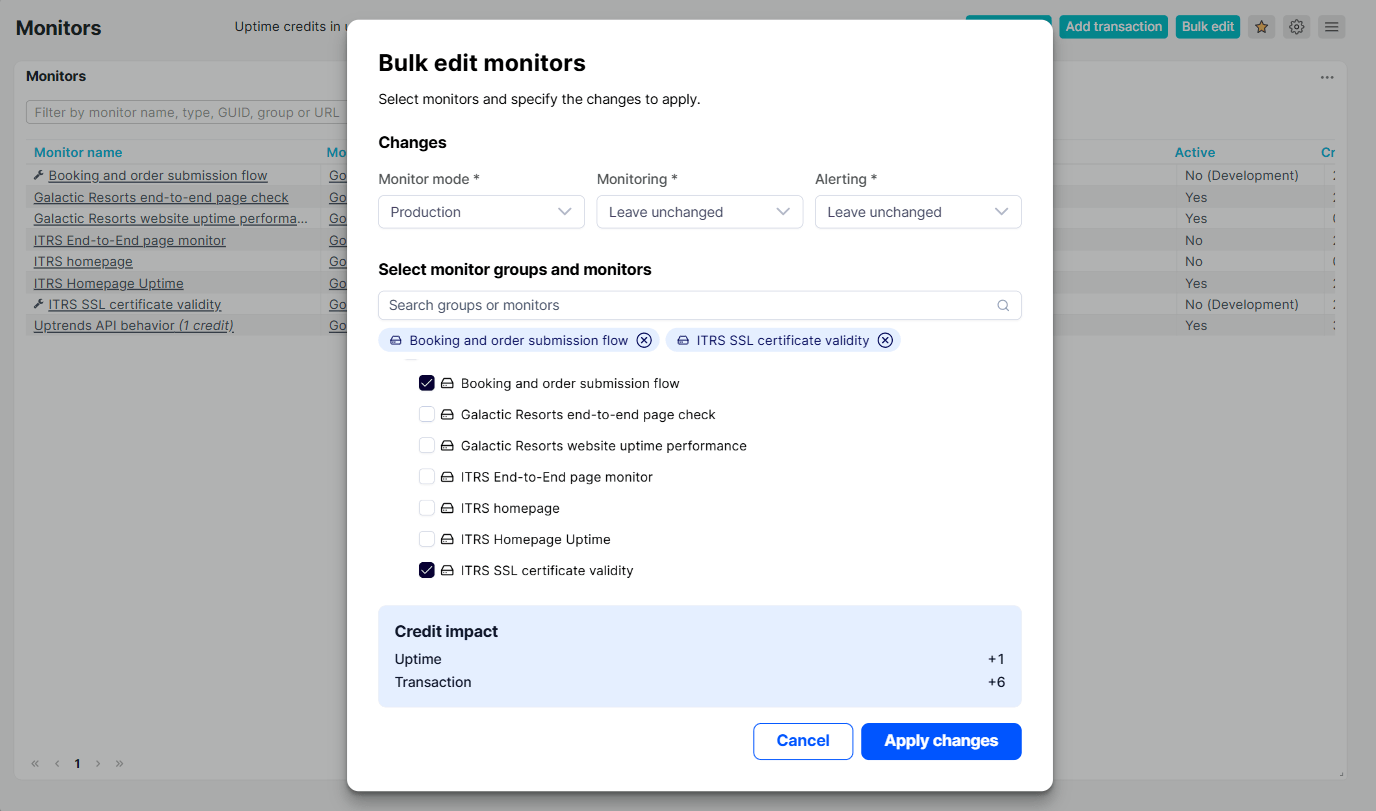
Bulk edit is now available in the Monitor configuration overview, allowing you to update multiple monitors at once. You can set the monitor mode, enable or disable monitoring and alerting, or leave any setting unchanged.
Before applying changes, review the credit impact to see how each credit type is affected. Positive values indicate additional credits used, while negative values indicate credits returned to your available balance.
Development mode uses no credits, so switching monitors to this mode releases their current credit usage. Staging and Production use the same number of credits.
After you apply the changes, a message confirms how many monitors were updated successfully and how many failed.