
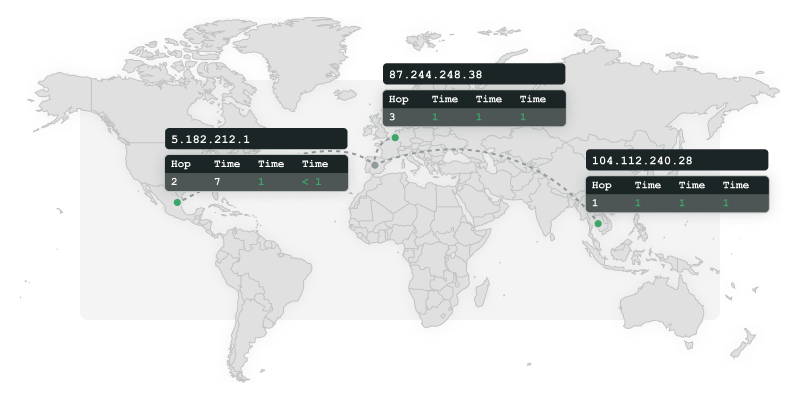
Reveal network problems
Sometimes it’s the path that fails, not your application. Detect latency, packet loss, and routing issues early, using global checkpoints that mirror real conditions. Identify where problems begin and stay ahead of user complaints.
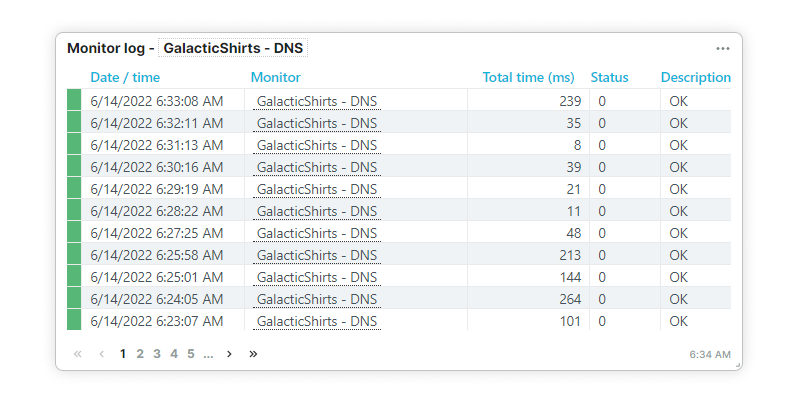
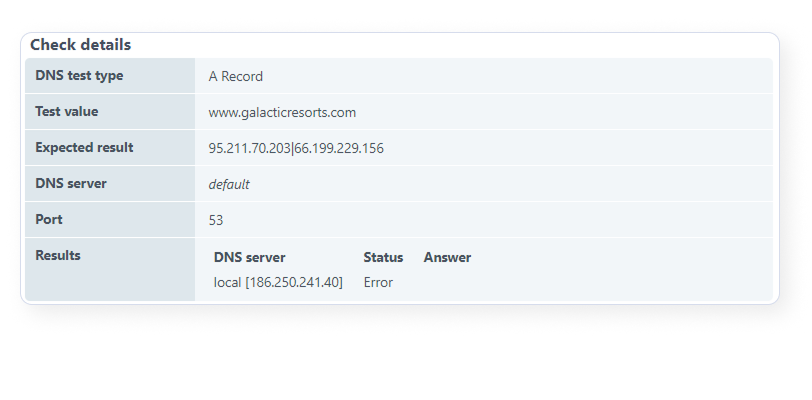
Trace, validate, and correlate
network behavior
Once you can see how users actually experience your site, you can act with precision. Set performance baselines, spot outliers fast, and target fixes where they will matter most to end users.
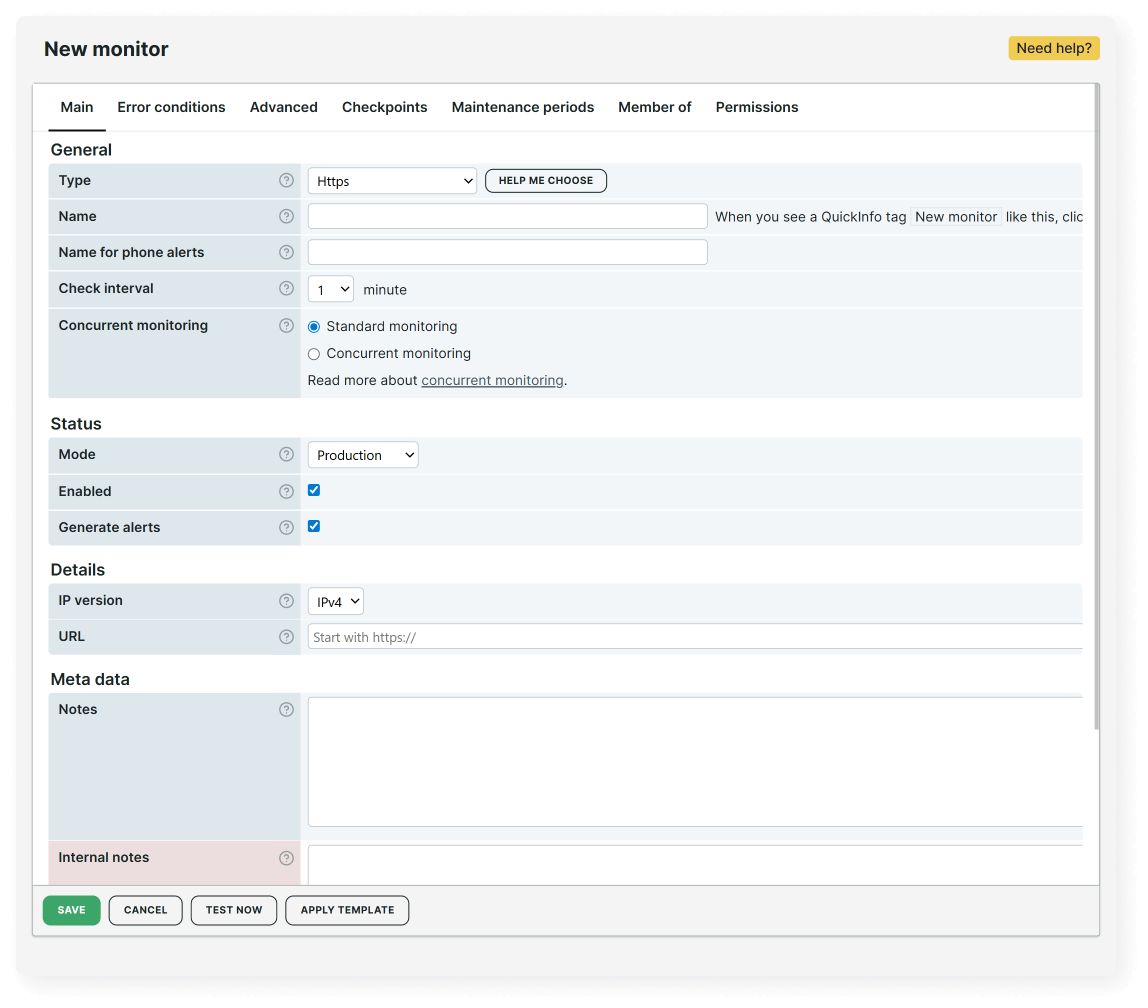
Free 30-day trial
Try Uptrends for free
Set up your first monitor today and get 30 days of full access to Uptrends. No credit card required.

Frequently Asked Questions
If you'd like a closer look or personalized guidance, we'll be happy to show you how Uptrends can be customized for your specific needs.
Book my 1-on-1 demoYes, you can trust Uptrends checks because they use the latest versions of commercial browsers and real network paths, not headless simulations. Our network diagnostics run from actual browser sessions and independent, ISP-based checkpoints across the globe, so you see exactly what real users and systems experience.
Basic tools show you a single path from a single machine. Uptrends shows you every path from every region that matters. Network issues are almost always geo-specific (CDN issues, ISP routing problems, DNS propagation, firewall rules) and Uptrends surfaces these by testing from 230+ global checkpoints and any private location you configure.
Run the same test from multiple regions. If all locations report slowdowns or failures, it’s global. If only certain regions fail, the issue is regional — it’s often a CDN edge problem, DNS routing issue, or ISP-level latency.
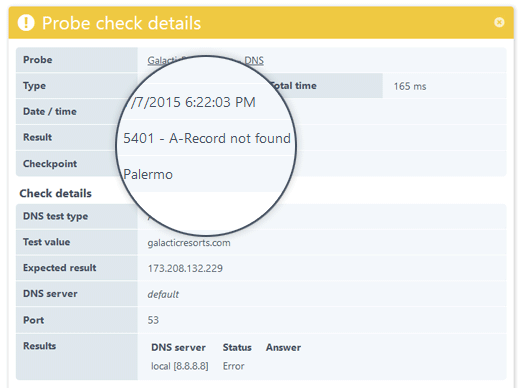
Check DNS resolution from multiple locations and compare the returned records. Mismatched IPs, slow TTL propagation, or NXDOMAIN errors usually indicate DNS configuration or propagation issues. Uptrends shows you these differences side-by-side to pinpoint where the failure starts.
Start with a traceroute to identify latency spikes or dropped packets along the route. Then compare hops across regions to see if the issue is local, regional, or provider-specific. Uptrends automates this analysis using multi-location traceroutes and correlates the results with your uptime and performance checks.