
Stay in control
when every second counts
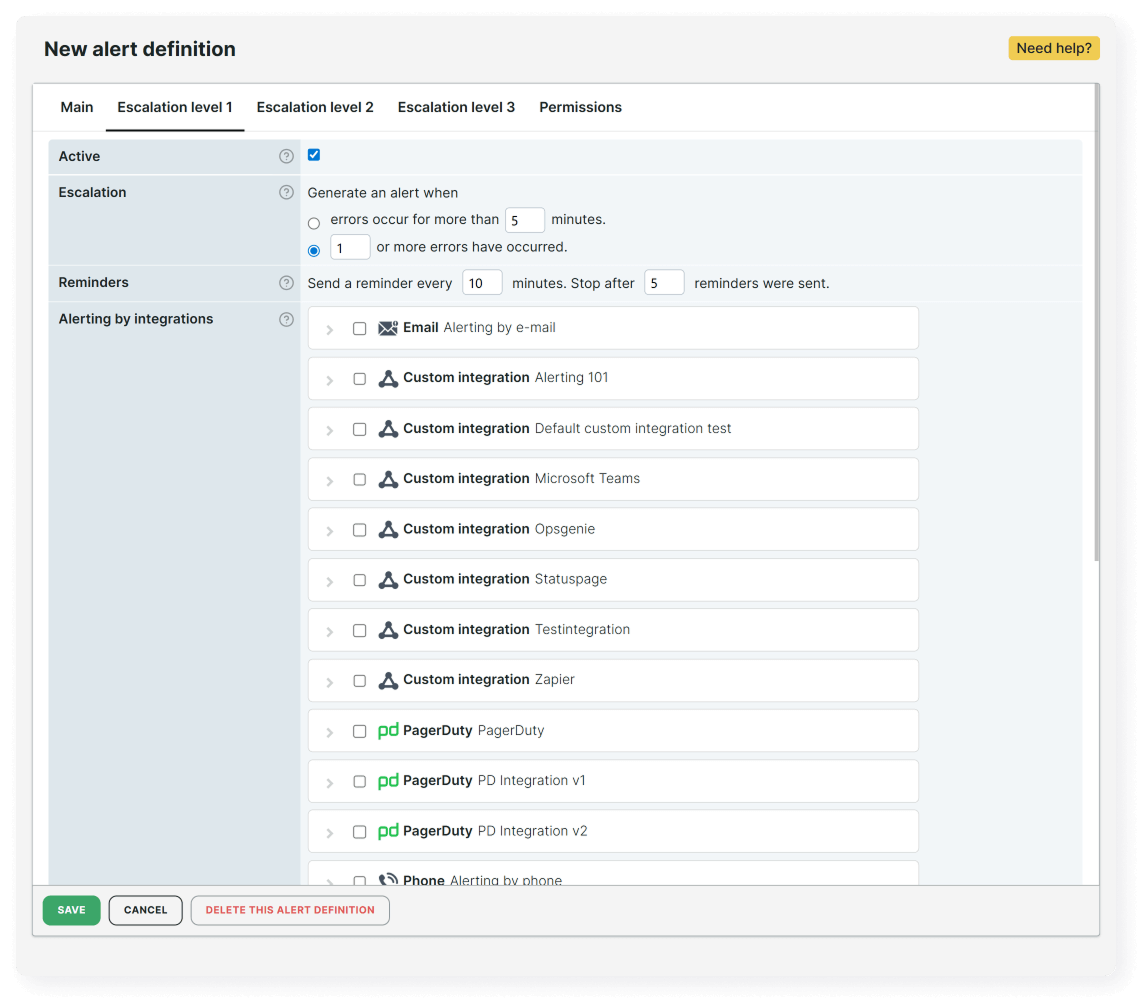
When a web service breaks, speed and accuracy matter most. Get fast, trustworthy alerts based on real conditions, so you can start fixing the problem instead of verifying if it’s real. With customizable thresholds and real-browser monitoring, your teams get reliable notifications.
Cut the noise and keep teams aligned
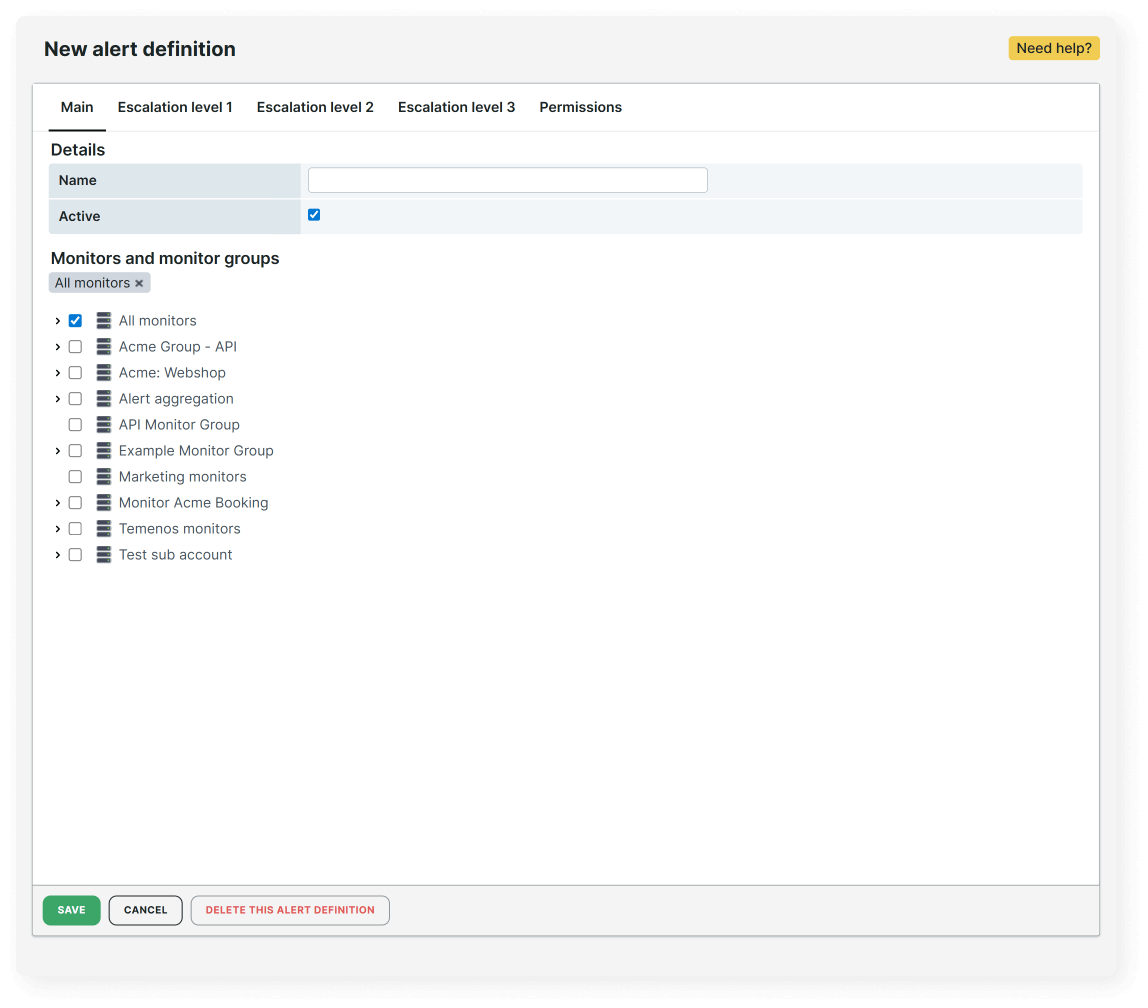
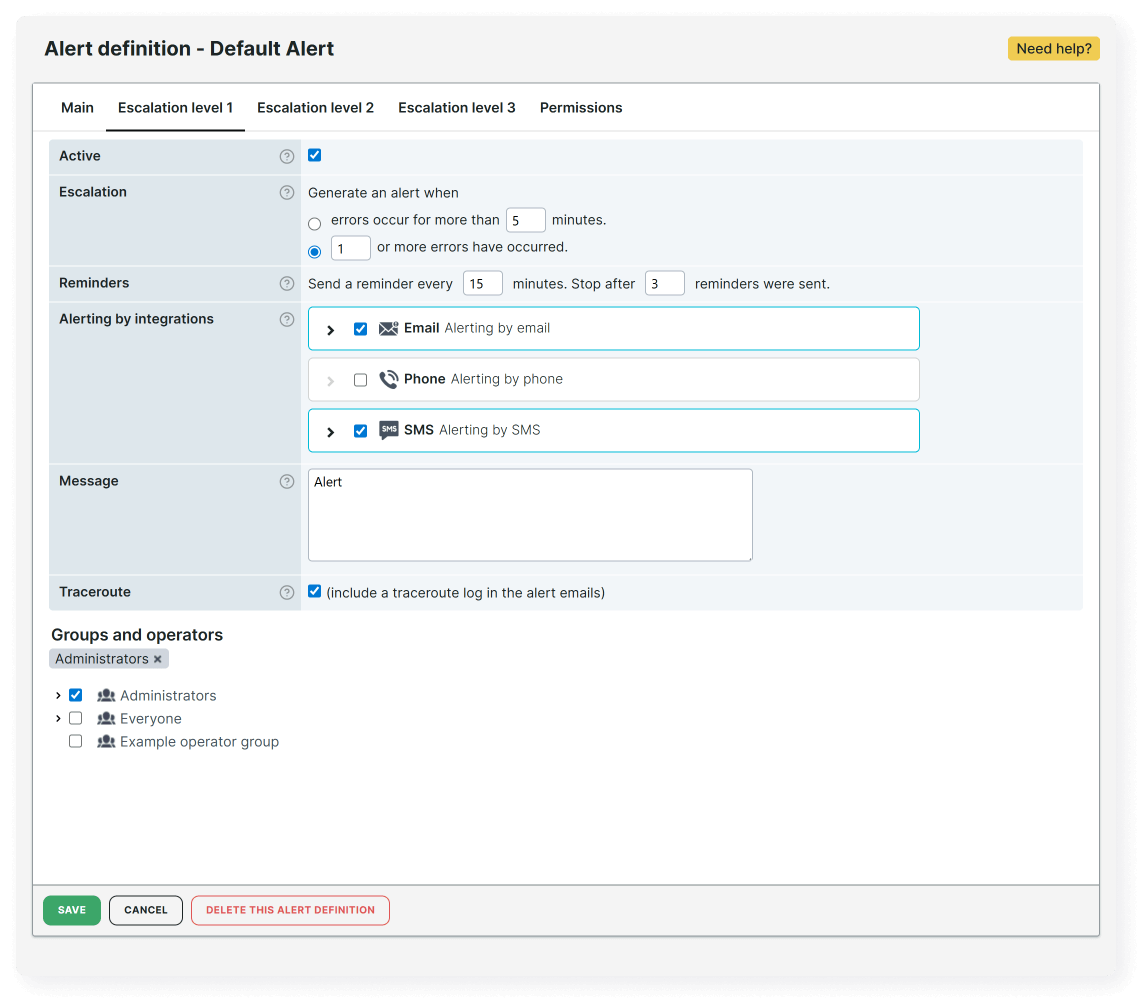
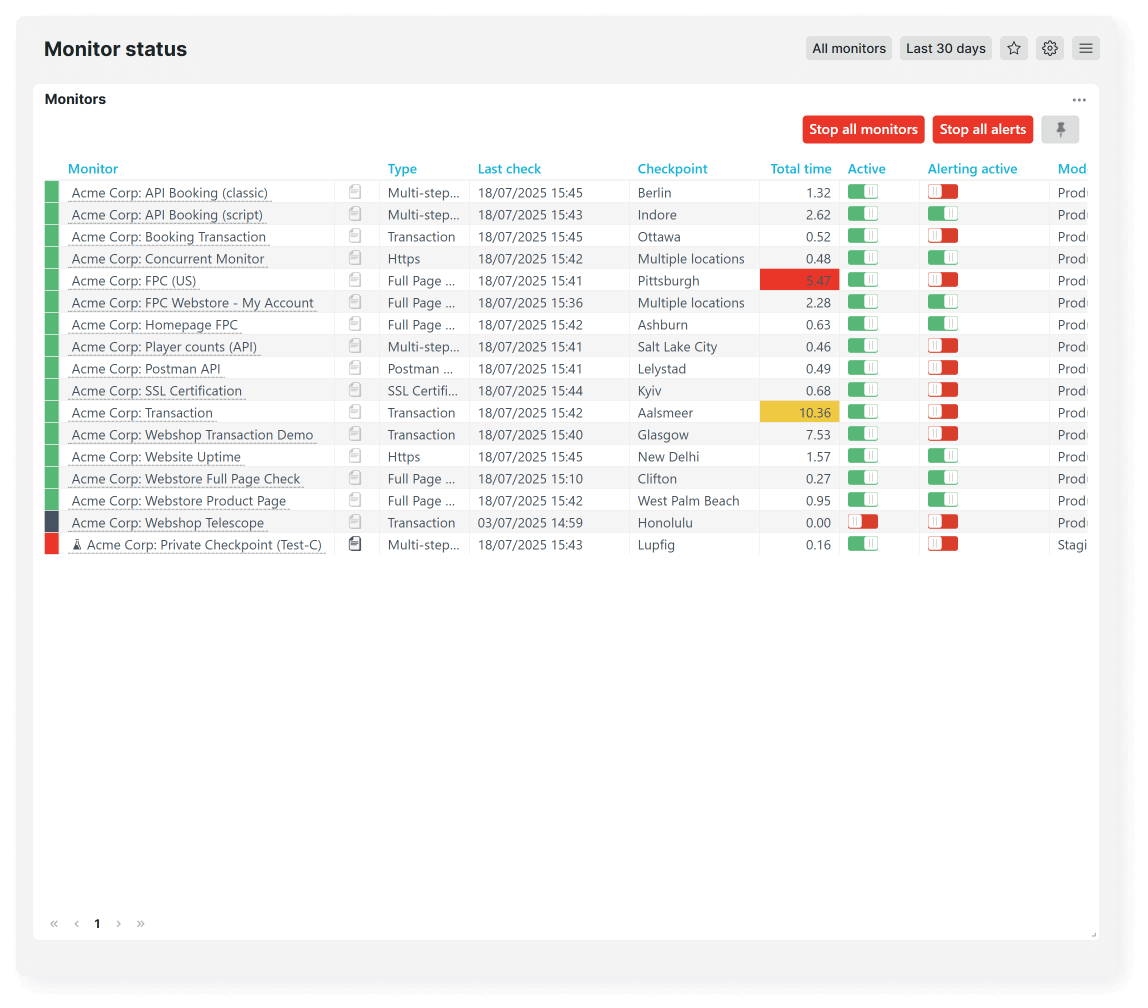
Too many alerts create confusion. Or worse, they desensitize your teams to real incidents. Uptrends minimizes false positives through multi-checkpoint validation, confirming actual outages before alerting. With built-in integrations, you can route alerts to the tools you use.
Free 30-day trial
Try Uptrends for free
Set up your first monitor today and get 30 days of full access to Uptrends. No credit card required.

Frequently Asked Questions
If you'd like a closer look or personalized guidance, we'll be happy to show you how Uptrends can be customized for your specific needs.
Book my 1-on-1 demoUptrends minimizes noise by validating alerts across multiple checkpoints before notifying your team. You can also fine-tune thresholds, adjust frequency, and set maintenance schedules, so you’re only alerted to real issues (not passing blips).
False positives often occur when a single location or unstable network connection triggers an alert. Uptrends solves this by confirming downtime from multiple global checkpoints, ensuring your team only sees verified, real issues.
You can! Uptrends lets you make sure that issues reach the right team, fast. Define custom alert conditions and create multi-step escalation paths to notify the right people by role, time zone, or severity.
Of course. You can schedule maintenance periods or temporarily disable monitors during planned downtime. This prevents unnecessary alerts during deployments or patch cycles, keeping your data clean and your teams focused.
Yes, Uptrends integrates with Slack, Microsoft Teams, PagerDuty, Opsgenie, ServiceNow, and any other ITSM platform via webhooks. You can route alerts by channel, severity, or escalation policy. No need to change how you already work.