ITRS acquires IP-Label. Read the press release.

What’s new

See the latest features and product updates in Uptrends
View the API changelog and reported issues in the Incident log.

Submit a feature request

NEW

MAR 2026

#Receive automatic email notifications for newly created tickets

Operators can now receive automatic email notifications when new tickets are created. The new Receive all ticket notifications permission automatically adds operators to the ticket and ensures they receive all follow-up emails.

In Enterprise accounts, this permission is assigned to administrators by default, but can also be granted to any operator. In non-Enterprise accounts, the permission is permanently assigned to the account administrator.

Read more
Operator permission to receive automatic email notifications for newly created tickets

UPDATE

MAR 2026

#Apply maintenance periods to multiple monitors

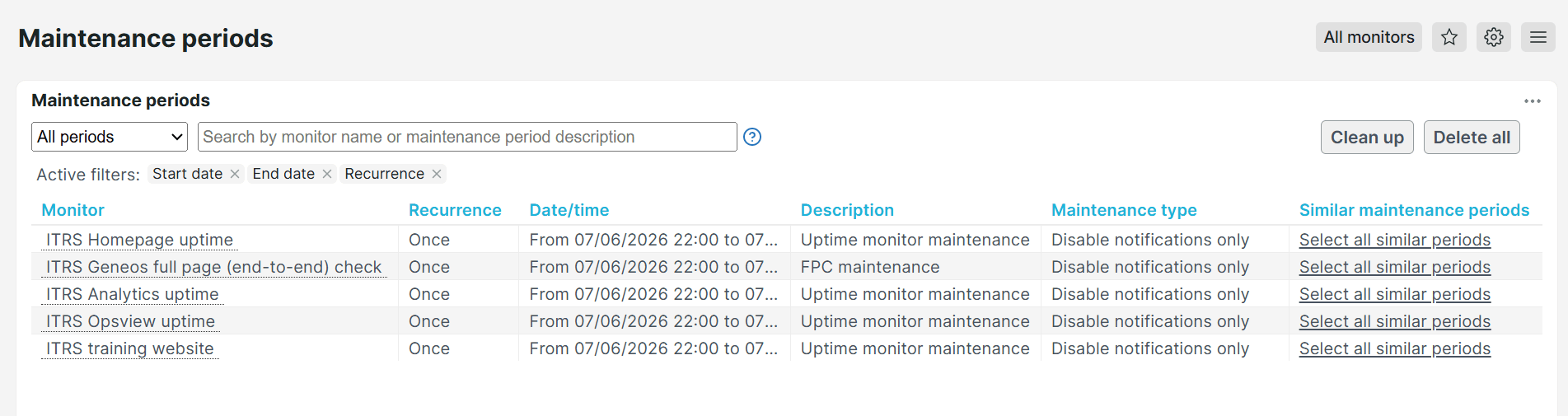
Maintenance periods can now be applied to multiple monitors, enabling bulk configuration without manually creating them for each monitor. This option is available on the Maintenance periods overview page.

Read more
Apply maintenance periods to multiple monitors

NEW

MAR 2026

#New Terraform configuration blocks for Real User Monitoring (RUM)

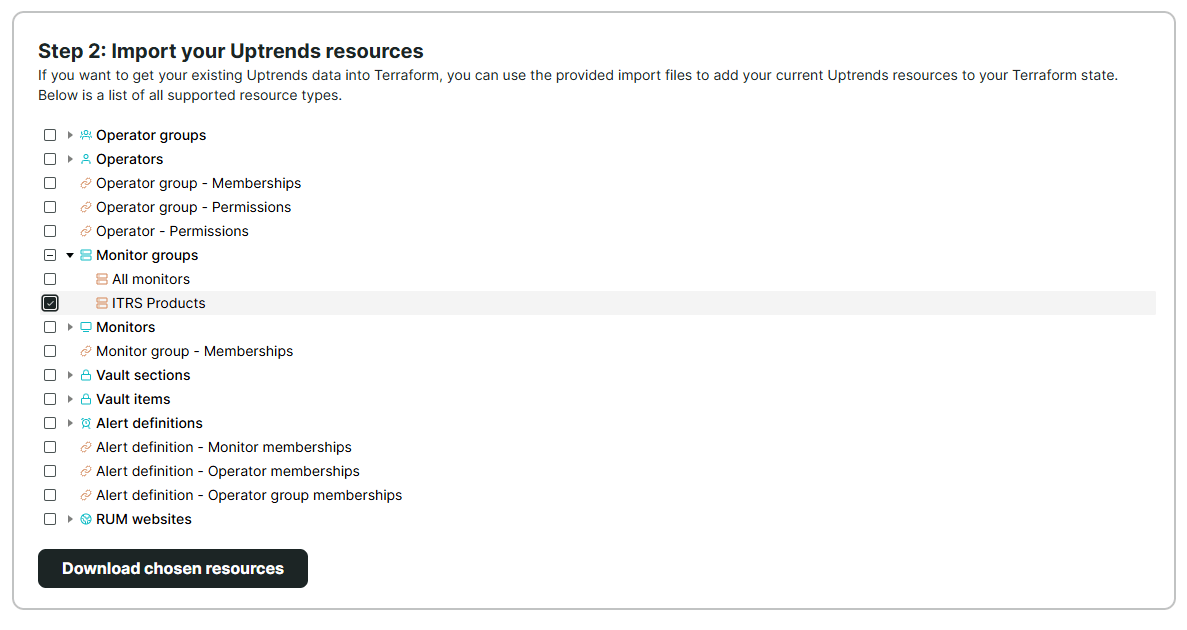
The itrs-uptrends_rum_website resource and data source are now supported in the Uptrends Terraform provider. This enables you to manage RUM websites directly through Infrastructure as Code (IaC), allowing you to provision, update, delete, and retrieve configuration data from the Uptrends monitoring platform.

Read more
Terraform configuration blocks for Real User Monitoring (RUM)

UPDATE

MAR 2026

#View monitor data by month, day, or hour in multi-monitor dashboard tiles

The Multi-monitor list and chart dashboard tiles now let you set the resolution period by hour, day, or month. This allows you to view your monitoring data summarized for the selected period, making it easier to analyze performance insights, similar to other dashboard tiles.

Read more
Multi-monitor list and chart dashboard tiles filtered by month, day, or hour

UPDATE

FEB 2026

#Instant visibility into monitored URLs

The Monitor log now includes the Monitor URL, giving you full visibility into the URLs being monitored. You can now export this information to PDFs, Excel files, or scheduled reports.

Read more
Monitor URL in the Monitor log export tab
By using the Uptrends website, you consent to the use of cookies in accordance with our Cookie Policy.